
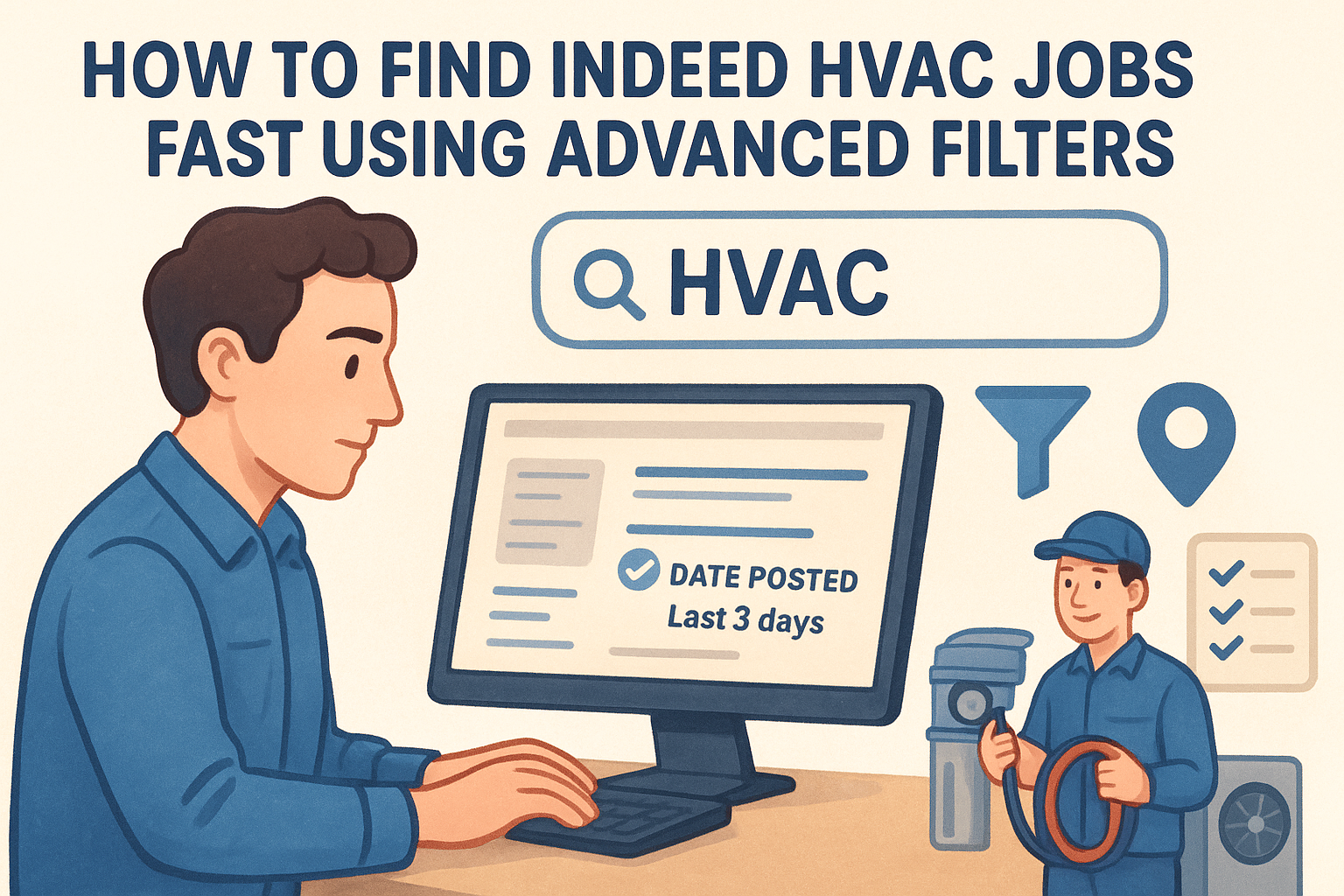
How To Find Indeed HVAC Jobs Fast Using Advanced Filters
Searching for Indeed HVAC jobs can feel like scrolling through an endless feed of irrelevant listings. You type in “HVAC technician,” and suddenly you’re wading through posts for unrelated trades, outdated openings, or positions three states away. The good news? Indeed has powerful filtering tools that most job seekers never touch.
This guide breaks down exactly how to use Indeed’s advanced search features to cut through the clutter and surface the HVAC positions that actually match your skills, location, and salary expectations. Whether you’re hunting for an apprenticeship or a senior technician role, these steps will save you hours of frustration.
At bluecollarjobs, we focus exclusively on connecting skilled trades professionals with quality employers. We know the HVAC job market inside and out, and we’re here to help you land your next position faster, starting with mastering the tools already at your fingertips.
What to know before you search on Indeed
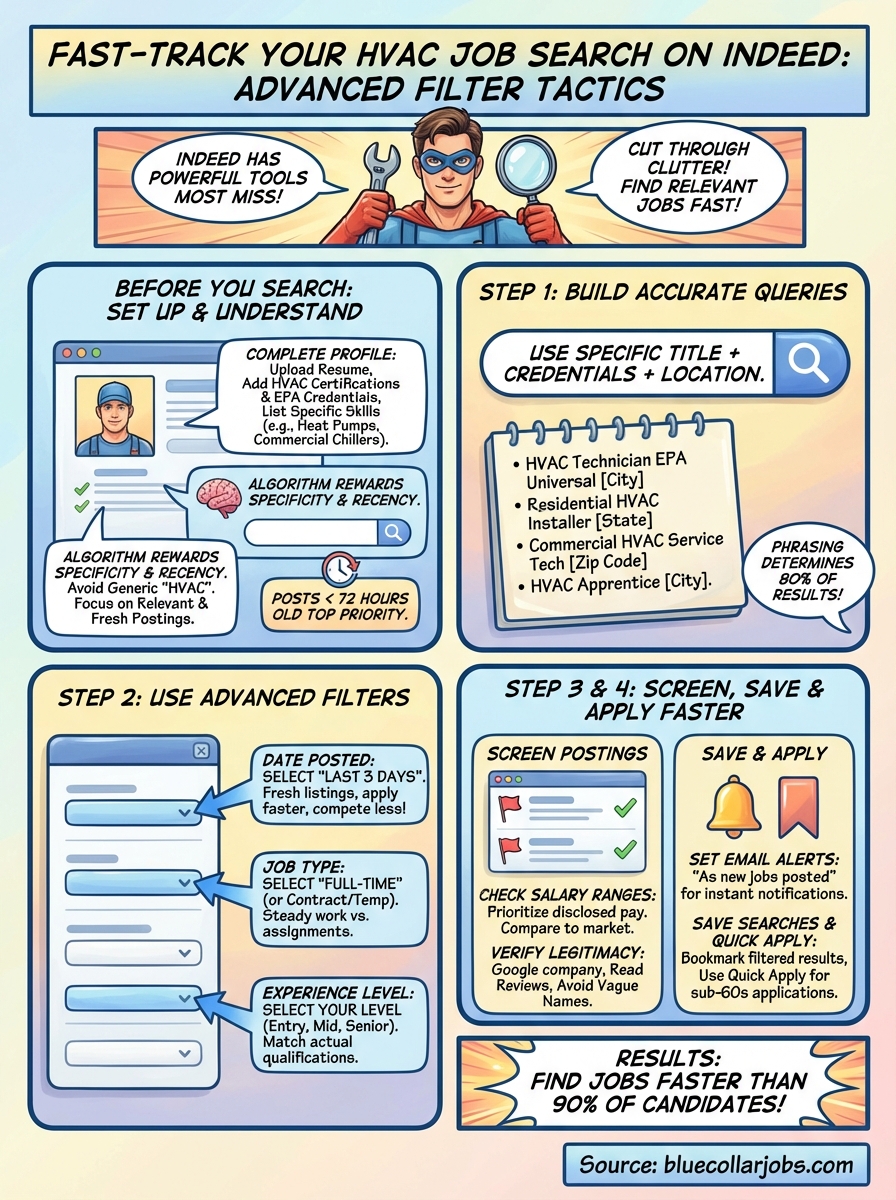
Indeed processes over 250 million job searches every month, and its algorithm prioritizes recently posted listings and exact keyword matches. You need to understand how the platform works before you start clicking through pages of results. The system rewards specificity, so vague searches like “HVAC” will bury the best opportunities under generic postings.
Understanding Indeed’s algorithm
Indeed ranks job postings based on relevance, recency, and employer activity. Listings less than 72 hours old appear at the top, while older posts drop fast even if they’re still open. The platform also tracks how many people click on and apply to each listing. High-traffic postings get bumped up, which means popular jobs become more visible while niche openings get pushed down.
Your search terms directly affect which jobs you see first, so precision matters more than casting a wide net.
Employers who actively respond to applicants and refresh their postings also gain priority in search results. This means reposting the same job can make it jump back to page one, even if the original listing is weeks old. You’ll often see duplicate postings from the same company for this exact reason.
Setting up your profile first
Upload your resume and complete your Indeed profile before you start searching for indeed hvac jobs. The platform uses your profile data to personalize results and match you with relevant opportunities. Employers can also find you through Indeed’s resume database, which only works if your profile is complete.
Add your HVAC certifications, EPA credentials, and specific trade skills to your profile. List the exact types of systems you work on (residential split systems, commercial chillers, heat pumps) rather than generic terms. This detail helps Indeed’s algorithm surface better matches and filters out entry-level posts if you’re an experienced technician.
Step 1. Build a fast, accurate search query
The search bar is your starting point, and how you phrase your query determines 80% of your results. Generic terms like “HVAC” return thousands of mixed listings, while specific combinations like “HVAC installer Dallas” cut straight to relevant openings. You want to build a query that matches exactly what employers put in their job titles.
Start with your certification level
Type your actual job title plus credentials into the search bar. Use “HVAC technician” if you’re licensed, “HVAC apprentice” if you’re starting out, or “HVAC service manager” for leadership roles. Adding your EPA certification type (Universal, Type I, Type II) helps Indeed match you with positions that require those qualifications.
Here are proven search query templates:
HVAC technician [city name]
Residential HVAC installer [state]
Commercial HVAC service tech [zip code]
HVAC apprentice EPA Universal [city]
Include location in your initial search
Add your target city or zip code directly in the search query instead of relying only on the location filter. This forces Indeed to prioritize geographically relevant indeed hvac jobs in the first batch of results. Searches like “HVAC technician 75201” or “HVAC installer Phoenix” perform better than filtering location separately.
Location-specific queries trigger Indeed’s proximity algorithm, which surfaces jobs within commuting distance first.
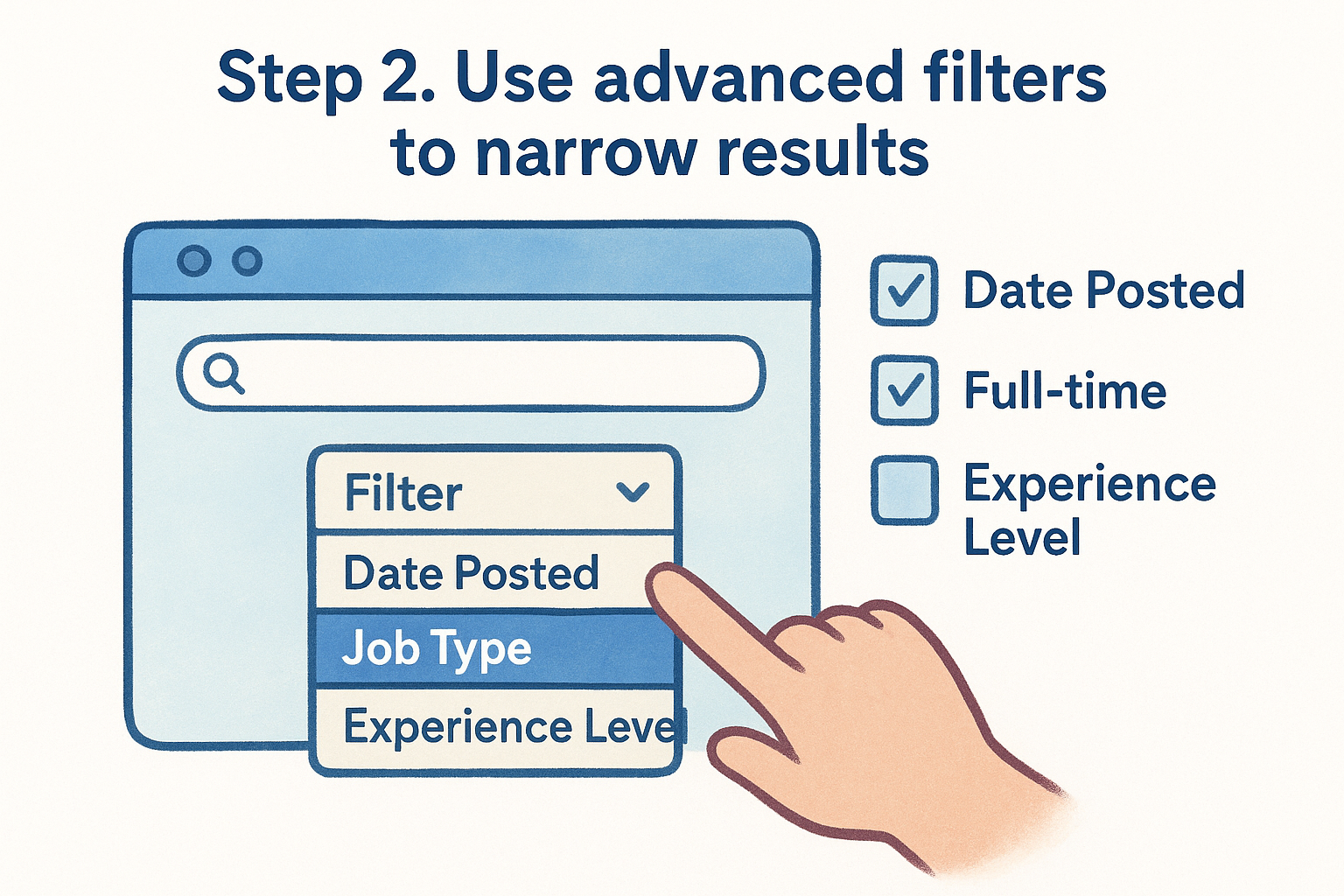
Step 2. Use advanced filters to narrow results
After entering your search query, click the filter dropdown menu below the search bar to access Indeed’s advanced filtering options. These filters let you control exactly which types of indeed hvac jobs appear in your results, eliminating listings that don’t match your needs. Most job seekers skip this step and waste hours scrolling through irrelevant posts.
Filter by date posted
Set the “Date Posted” filter to “Last 3 days” to see only fresh listings. HVAC positions fill quickly, and applications sent within 48 hours of posting get 3x more employer responses than those submitted later. Older listings often mean the employer already interviewed candidates or the position filled but wasn’t removed yet.
Filtering by date ensures you compete against fewer applicants and reach hiring managers while they’re actively reviewing resumes.
Job type and experience level
Select “Full-time” under the job type filter if you need steady work with benefits. Toggle “Contract” or “Temporary” only if you want short-term assignments. Use the “Experience Level” filter to match your actual qualifications (Entry Level, Mid Level, Senior Level). Applying to senior roles as an apprentice wastes your time, while experienced technicians shouldn’t sift through helper positions.
Step 3. Screen postings for pay, fit, and legitimacy
You’ve filtered your indeed hvac jobs search results down to relevant listings, but not every posting deserves your application. Spend 30 seconds scanning each job before you click through to read the full description. Look for red flags in the preview text that signal low pay, misleading job titles, or suspicious employers.
Check salary ranges first
Click only on listings that display a salary range in the search results. Employers who hide compensation often pay below market rate or want to lowball candidates during negotiations. Indeed now shows estimated pay for many postings, but prioritize listings where the employer disclosed the actual range.
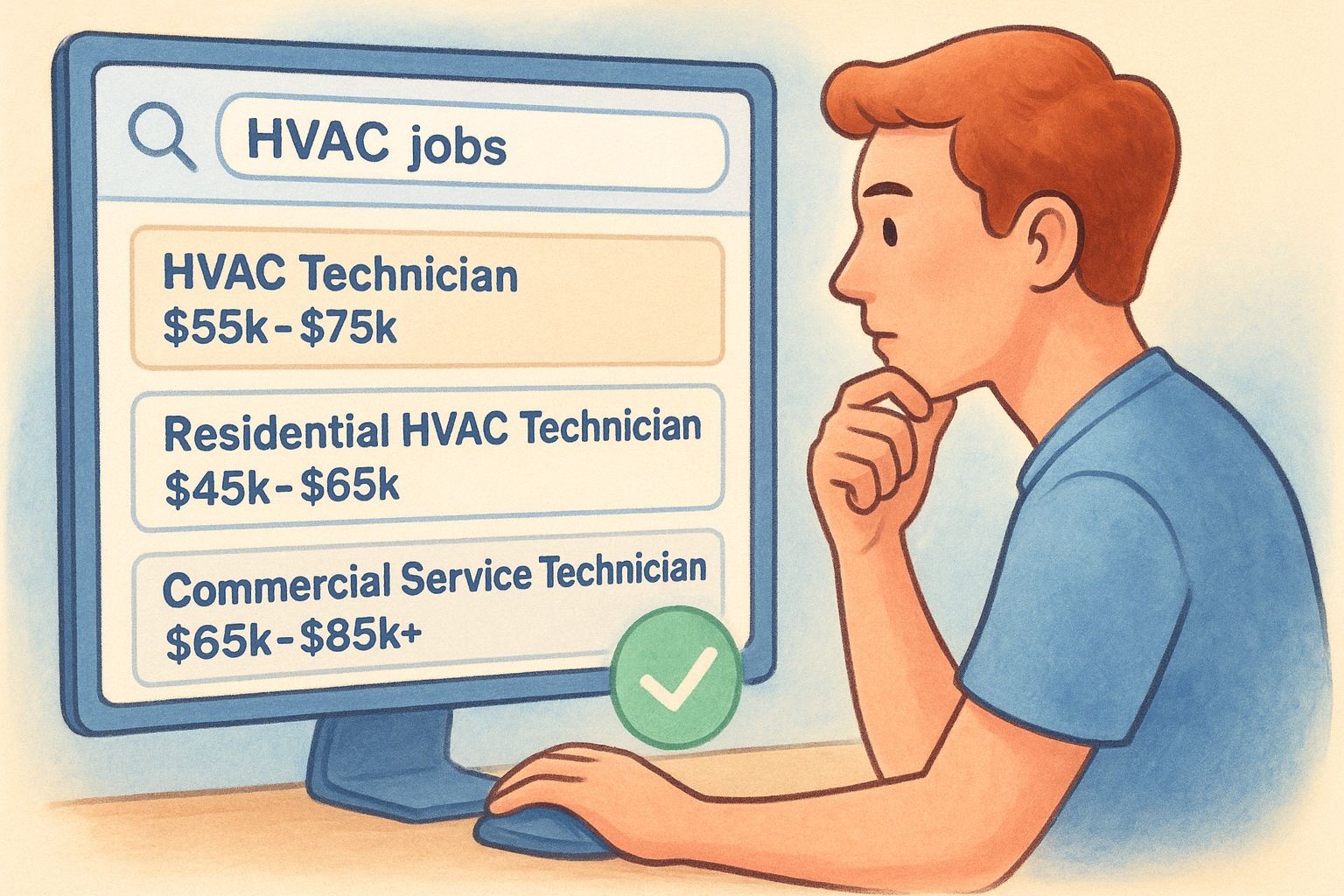
Compare the posted salary against your local market rate using this quick check:
Entry-level HVAC tech: $35k-$48k annually
Licensed residential tech: $45k-$65k annually
Commercial service tech: $55k-$75k annually
Lead technician/foreman: $65k-$85k+ annually
Verify employer legitimacy
Search the company name on Google if you don’t recognize it. Legitimate HVAC contractors have websites, physical addresses, and verifiable contact information. Skip postings from staffing agencies using vague company names like “Leading HVAC Contractor” without identifying the actual employer.
Scam postings often promise unrealistic starting pay or ask for personal information before an interview.
Read at least three recent reviews on Indeed’s company page before applying. Patterns of complaints about unpaid overtime, poor equipment, or high turnover tell you what working there actually looks like.
Step 4. Save searches, set alerts, and apply faster
Manually searching for indeed hvac jobs every day burns time you could spend applying or earning. Indeed’s alert system and saved search features automate the process, delivering fresh listings directly to your inbox within minutes of posting. You’ll compete against fewer applicants when you apply early, and consistent visibility increases your chances of landing interviews.
Setting up email alerts
Click the “Get new jobs for this search” button at the top of your filtered results page. Enter your email address and choose your alert frequency (daily or as new jobs appear). Select “As new jobs are posted” to receive instant notifications for time-sensitive openings.
Use this alert setup checklist:
1. Create separate alerts for different job types (installer vs. service tech)
2. Set unique alerts for each target city or region
3. Use your preferred email (not a spam folder candidate)
4. Confirm the subscription through the verification email
Email alerts put you first in line by notifying you before most job seekers even open Indeed.
Using saved searches and quick apply
Click “Save this search” after building your filtered query to bookmark it for instant access. Your saved searches appear on your Indeed homepage, letting you check updated results in one click without rebuilding filters each time. Enable Quick Apply in your account settings to submit applications using your stored resume and contact information, cutting application time from 10 minutes to under 60 seconds per job.
Next steps
You now have the exact system to find indeed hvac jobs faster than 90% of other candidates. Run your filtered searches daily, apply within 48 hours of posting, and track which listings you’ve already viewed to avoid duplicate applications. Set up at least three different email alerts covering your primary job types and locations.
Beyond Indeed, expand your job search to platforms that focus exclusively on skilled trades. Check bluecollarjobs.com for HVAC openings where employers post positions specifically for technicians, installers, and service professionals. The listings include transparent salary ranges and detailed certification requirements, cutting out the noise you find on general job boards.
Apply consistently, follow up with employers after three business days, and keep your resume updated with recent projects and certifications. The faster you move through applications, the more interviews you’ll land.
Want blue collar jobs delivered to your inbox?
Want blue collar jobs delivered to your inbox?
